
Thumbframe · Updated 24 October 2026
Test your YouTube thumbnail in dark mode and light mode
Viewers choose a light or dark theme, and your thumbnail sits on whichever page background they picked. A pale thumbnail can melt into white; a dark one can lose its edges against near-black. Checking both takes seconds.
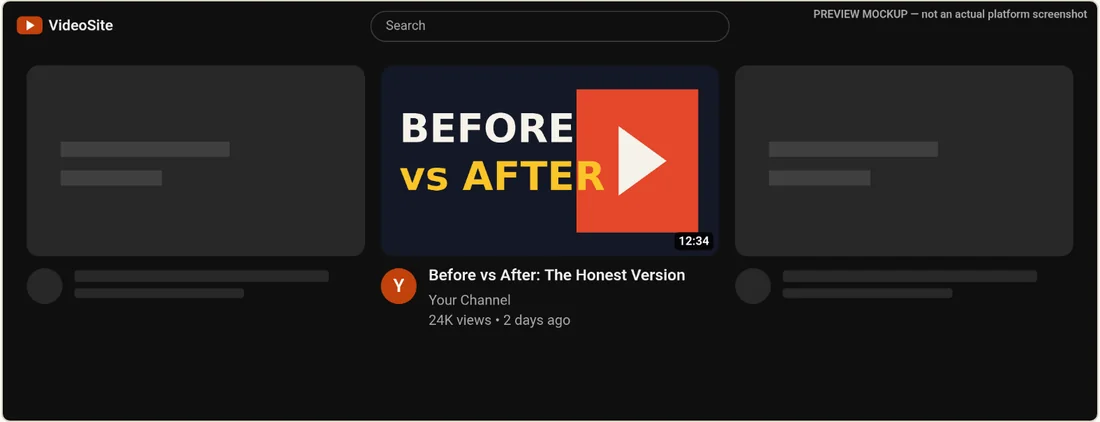
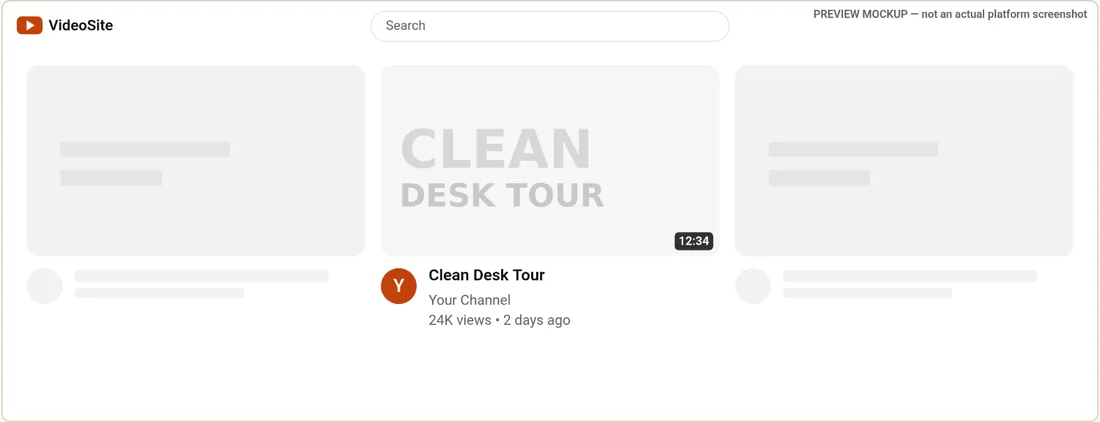
Two ways a thumbnail fails
- Pale on light. A white or near-white background with light text has almost no edge against a white page, so the card looks empty.
- Dark on dark. A near-black image on a near-black page loses its outline, so the thumbnail can look smaller than its neighbours and dark detail at the edge can vanish.
What helps
- Give the image an edge. A mid-tone or saturated colour near the border, or a thin lighter or darker rim, keeps the shape visible on both backgrounds.
- Do not match the page colours. Pure white and near-black backgrounds are the ones to avoid, since those are the page colours.
- Put contrast inside the image. Dark text on a light panel, or light text with an outline, reads on either theme.
- Check the badge too. The duration badge is dark; on a dark corner it blends in, on a light one it is clear.
A quick routine
- Open the home grid in light theme and look at the edge of the card.
- Switch to dark and look again.
- Repeat in the up-next layout, where small size makes an edge more important.
- If either one looks weak, adjust the image rather than choosing a theme to favour.
The mockup backgrounds are close approximations of a white page and a near-black page; real devices and app versions differ a little. Treat it as a check on the two extremes.
For what else to look at in each layout, see how thumbnails look across YouTube surfaces.
Frequently asked questions
Does YouTube have a dark mode that affects thumbnails?
Viewers can pick a light or dark appearance, and the page background changes with it. The thumbnail itself is not changed, so its edge against the background is what differs.
What colour should a thumbnail border be?
There is no single answer. A thin rim or a mid-tone colour near the edge that differs from both white and near-black helps the thumbnail keep its shape on both themes.
Does Thumbframe show both themes?
Yes. Every layout can be shown in light or dark, and the comparison export includes both.
Is the dark mockup exactly what YouTube shows?
No. The mockup uses an approximate near-black background and is labelled as a preview.